

 Get Started
 Integrate / SDKs
 User Verification
 Business Verification
 Transaction Monitoring
 Changelog
Overview
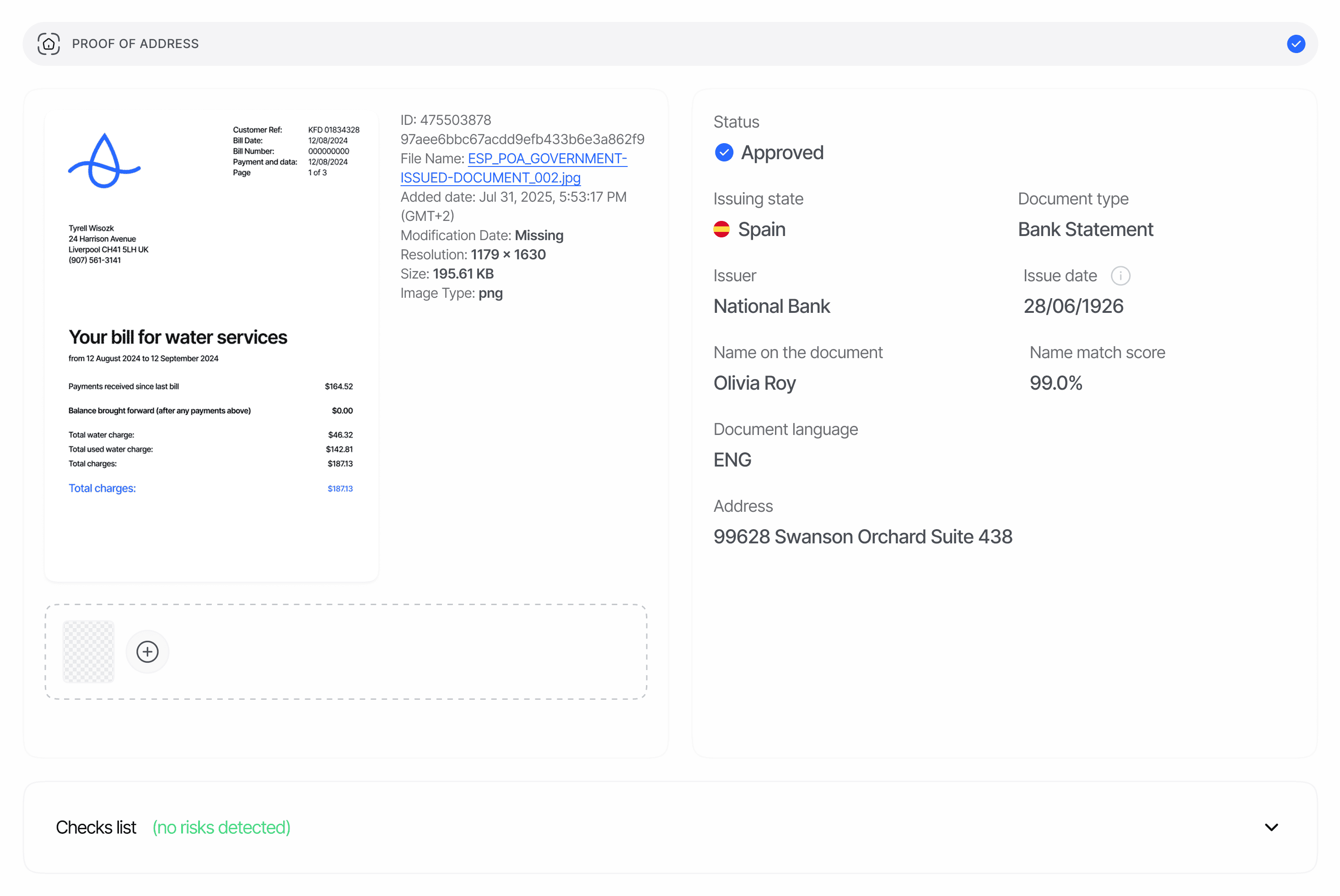
Proof-of-address (POA) verification accepts a single PDF or image (TIFF, JPG, JPEG, PNG, WEBP, optionally ZIP-compressed) up to 15 MB, runs document-type classification, LLM-based extraction, and PDF/EXIF forensics, and returns:- The extracted address — both raw and structured (
street_1,city,region,postal_code, lat/lng). - Document metadata — file size, content type, creation and modified dates, EXIF dates, signature info, and any overlay-manipulation evidence from PDF forensics.
- Name match scores against the verified ID document and against expected details supplied at session creation.
- Bank-related extra fields (account number, IBAN, sort code, routing number, SWIFT/BIC, branch) when the document is a bank statement.
POA extraction performs unstructured-text reading, which introduces a 5–15 second latency per document. Webhooks fire only when the entire workflow step completes — do not poll the decision endpoint faster than every 5 s during this window.
Where it appears in API responses
The decision endpoint returns POA as the plural arraypoa_verifications[] in GET /v3/session/{sessionId}/decision/. Each entry is one execution of the POA node in your workflow; sessions with multiple POA steps (e.g., bank statement + utility bill) produce one entry per execution with its own node_id.
Schema
See Proof of address in the Data Models reference for the canonical schema.warnings[] is a Warning object: { feature, risk, additional_data, log_type, short_description, long_description, node_id }, with feature always "PROOF_OF_ADDRESS" for this report.
Status values
status uses the feature-level status enum (FeatureStatusChoices).
Custom status rules configured on the workflow node can further adjust the computed status; rules combine with precedence Declined > In Review > Approved. See Proof of address warnings for the full risk-to-action mapping, including the workflow-only retry behavior of
FUTURE_ISSUE_DATE.
PDF overlay-manipulation evidence
When the submitted document is a PDF,document_metadata.overlay_manipulation may contain forensic evidence of suspected text overlays:
detected—truewhen the check found manipulation evidence.analyzed—truewhen the PDF could be analysed at all.signals— the checks that fired (duplicate_font_subset,glyph_fragmentation).manipulated_regions— page-coordinate rectangles around the suspected edited text. Each rectangle uses the PDF page coordinate space (x,y,width,height,page_width,page_height) so reviewers can highlight the affected area in a PDF preview.
null when the document is not a PDF or the PDF could not be analysed. When detected=true, the system also emits a SUSPECTED_DOCUMENT_MANIPULATION warning whose additional_data mirrors the signals and rectangles above (unless a stronger signal — modification after digital signing, is_tampered=true — took priority, in which case additional_data describes the signature tampering instead).
QR codes and barcodes
Every POA report includesdetected_codes, covering every processed page. Each item contains:
detected_codes is an empty array when no supported code is found. Didit never guesses a payload: damaged or unreadable codes may be returned with their location and parsed_payload: null, while failures in code detection do not fail the POA verification.
Examples
Approved — bank statement
Declined — overlay manipulation + name mismatch
Related
- Proof of address warnings — every warning code POA can emit
- Proof of address overview — accepted document types and verification rules
- Data models — Proof of address — canonical schema
- Webhooks —
status.updatedcarries POA payloads
document_file and extra_files[] are presigned URLs that expire after about 4 hours. Re-fetch the decision endpoint to refresh URLs. Store only the verification status and parsed address fields on your side — minimise retained document data.