

 Get Started
 Integrate / SDKs
 User Verification
 Business Verification
 Transaction Monitoring
 Changelog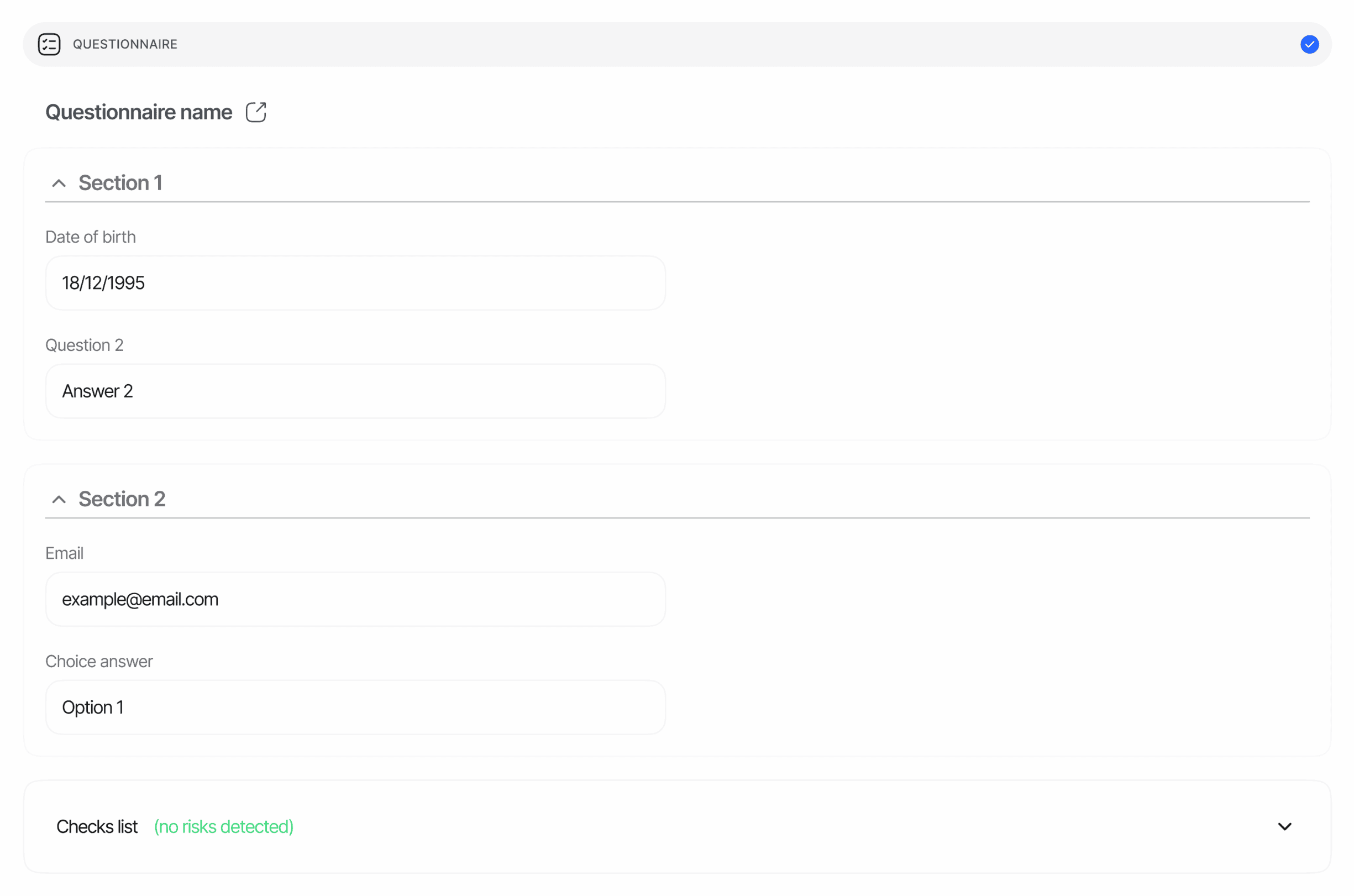
Overview
Each questionnaire response describes:- The questionnaire version the user saw (title, description, languages, version metadata, sections).
- The visible items for the path the user actually took through the form’s graph — items hidden by conditional logic are dropped from the response.
- The answer for every visible interactive item, in the shape that matches its
element_type. - A single status for the response as a whole.
SECTION_HEADER becomes a section boundary (its title and description become the section’s title/description), while HEADING, PARAGRAPH, and SEPARATOR stay in items[] without an answer key so the report keeps the same visual structure the user saw.
Where it appears
The questionnaire report appears as the plural arrayquestionnaire_responses[] in GET /v3/session/{sessionId}/decision/, for both KYC and KYB sessions, whenever a questionnaire feature ran. The field is null until at least one questionnaire instance has started. Each entry carries a node_id so multi-instance workflows can disambiguate which graph step produced it.
Item shape
See Questionnaire response in the Data Models reference for the canonical schema.SECTION_HEADER elements never appear in items[] — they open a new section and supply its title and description.
Element types
A visible interactive item the user never answered is returned with
"answer": null.
Conditional visibility
When a questionnaire defines a graph (conditional logic), only items on the path the user actually took are included. An item hidden by a branch the user did not follow does not appear insections[].items — even if it exists in the template. Sections left with no visible items are dropped entirely.
Status values
The response-levelstatus is one of three values. Internally, the base status (Approved, or In Review when the workflow forces manual review) is combined with any matching custom status rules using the platform-wide precedence Declined > In Review > Approved; a questionnaire-level Declined outcome is then mapped to In Review so operators handle the final disposition during review.
Warnings
Questionnaires emit a single warning code, produced when a custom status rule configured on the questionnaire node matches an answer:
The warning’s
additional_data carries field, operator, rule_value, actual_value, target_status, and score when the rule defines one. Its log_type follows the rule’s target status: error for Declined, warning for In Review, information otherwise.
Unlike other features, the questionnaire entry does not embed a warnings[] array — triggered-rule logs are recorded on the session under feature: "QUESTIONNAIRE" and surface in the Console review screen (see also the Business Verification warnings listing; the same code applies to KYC sessions).
Example — Source-of-funds questionnaire
Example — Not finished
status: "Not Finished" and "answer": null on every visible item. A session that never reached the step produces no entry at all — questionnaire_responses stays null when no instance exists.
Notes
- File URLs expire. Entries in
answer.filesare pre-signed URLs (4-hour validity by default). Re-fetch the decision endpoint when you need fresh URLs. - Localization. Item
title,placeholder, choicelabel, and sectiontitle/descriptionare returned in English when the questionnaire supports it, otherwise in the questionnaire’sdefault_language. Thevalueof a choice remains stable across languages so you can key business logic off it safely. - Item
descriptionis layout-only. It is populated only onHEADING/PARAGRAPHtext blocks; interactive items always returndescription: null.
Related
Questionnaires overview
How to build, version, and attach questionnaires to a workflow.
Data models — Questionnaire response
Canonical field-by-field schema for this object.
Retrieve session
Endpoint reference for the V3 decision payload.