

 Get Started
 Integrate / SDKs
 User Verification
 Business Verification
 Transaction Monitoring
 Changelog
Overview
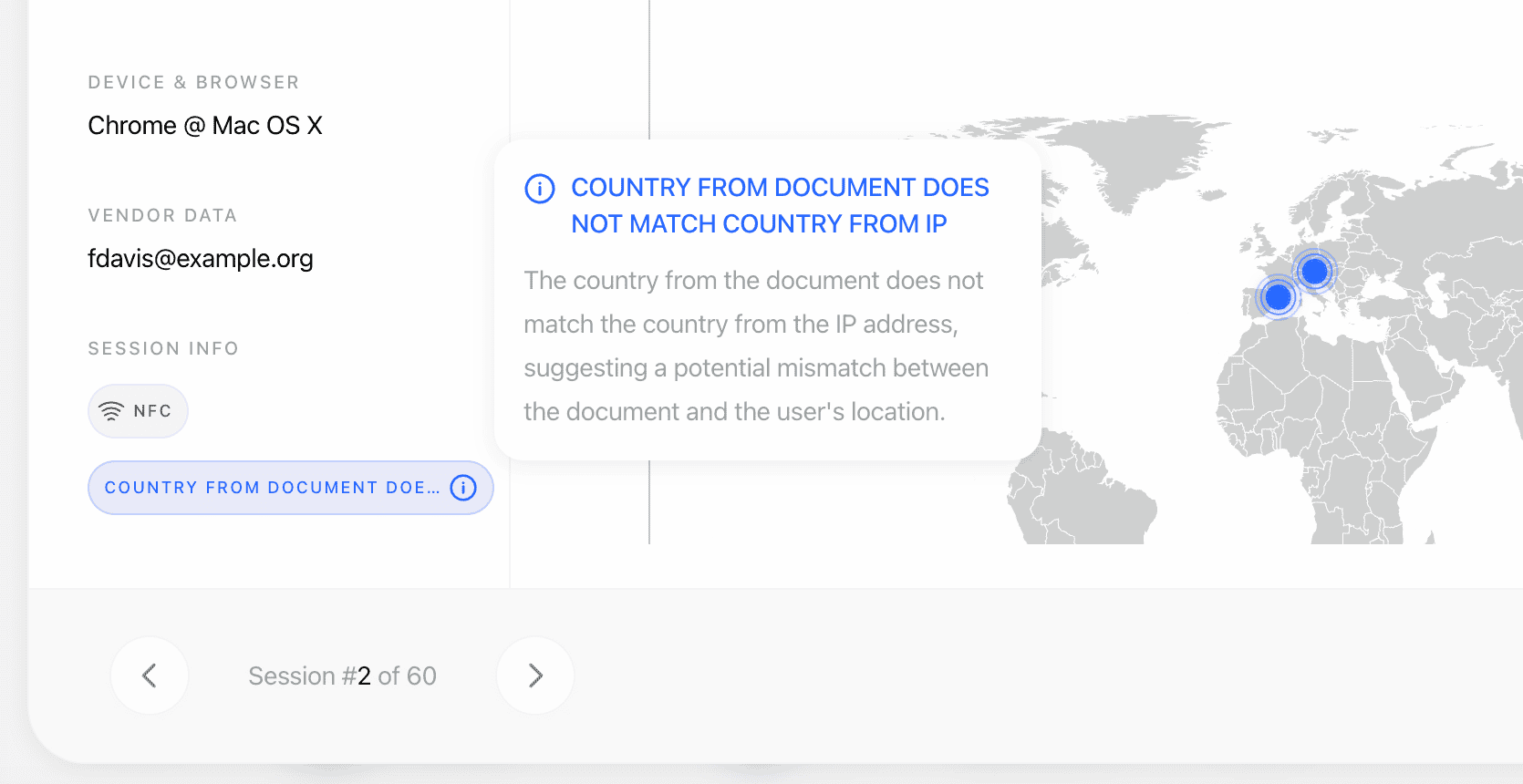
Device & IP analysis emits warning tags onip_analyses[].warnings[] whenever it detects suspicious device, network, or location behavior. Six tags have a configurable action (Decline / Review / No action) per workflow node; the two blocklist tags always force Declined, and the two allowlist tags are always informational. Each warning’s log_type mirrors the action that applied: error (Decline), warning (Review), or information (No action). Each risk fires at most once per session.
Every risk below is verified against the live decision pipeline; warnings carry the feature tag LOCATION and the standard warning object shape.
The device fingerprint warnings are intentionally split into exact and recovered signals:
DUPLICATED_DEVICE_FINGERPRINTmeans the same deterministic device identity (match_sourcepersistent_idorlegacy_fp) was reused across sessions with differentvendor_datavalues.DEVICE_RECOVERED_HIGH_CONFIDENCEmeans v2 fingerprint recovery matched the session to a previously seen device after the persistent ID changed (storage cleared, incognito mode, app reinstall). The warning only appears when the match passes the high-confidence similarity threshold and hard gates.
Warnings produced
When the recovered device has no eligible sibling sessions yet (so nothing lands in
matches[]), DEVICE_RECOVERED_HIGH_CONFIDENCE still fires with a fallback additional_data shape: recovery_match_device_uuid, recovery_match_similarity, recovery_match_band, recovery_gate_reason.
IP_LOCATION_NOT_ALLOWED fires when IP geofencing is enabled (is_ip_geofencing_enabled) and the session IP is located in a country or state/region marked as not allowed in ip_geofencing_by_country. additional_data carries ip_country_code (ISO-3), ip_country, ip_state, and restricted_by (country or state). State/region entries override the country flag and are matched case-insensitively against the IP provider’s region name (e.g. "California"); countries not listed in the config are allowed.
Device and runtime integrity
Signals reported by the native SDKs and the web client describing the state of the device the verification ran on. They exist to detect injection attacks: an attacker who can root a device or hook the app process can replace the camera feed before it ever reaches the biometric checks. Every one is configurable per workflow and defaults to no action, so enabling the feature changes no decisions until you opt in.Each probe is best-effort. When a check cannot run it reports not determined rather than a clean result, so a failing probe never produces a false positive against a legitimate user. Signals are reported from native SDK 4.4.0 onwards; sessions from earlier SDKs legitimately send nothing and never raise
DEVICE_INTEGRITY_SIGNALS_MISSING.Configurable settings
Per-node workflow controls (also configurable globally on the application’s verification settings; every action defaults to No action unless noted):
IP and device allowlists suppress only the exact duplicate-IP or deterministic duplicate-device warning for the allowlisted value. They do not suppress VPN/proxy, country mismatch, expected-IP mismatch, recovered-device, or blocklist warnings.
Recovered-device warnings are useful for detecting fraud rings that rotate accounts and sessions from the same hardware, but Didit is conservative by design — the system prefers missing some duplicate users over merging unrelated devices when the evidence is not strong enough. Recommended rollout: start with Review, watch the volume for two weeks, then tighten the action if your false-positive rate is low.
Duplicate device vs. recovered device
Treat the two warnings differently — they trigger on different evidence:Cross-session matches
When the same IP address, exact device identity, or recovered device is detected across sessions belonging to different users, Didit records these asmatches[] on ip_analyses[]. Sessions are grouped by vendor_data: sessions with the same vendor_data are treated as the same user and excluded from matches. Without vendor_data, every session is treated as a unique user and all potential duplicates are surfaced — we strongly recommend always providing vendor_data to reduce noise.
Each match includes:
session_id,session_number,vendor_data, andverification_dateof the matching session, plus its lifecyclestatusandapi_service(nullfor workflow sessions);sourceis alwayssessionmatch_type—ip_addressordevice_fingerprintmatch_source—ip_address,persistent_id,legacy_fp, orrecovered_highmatched_value— the shared IP, the device identifier, or (for recovered matches) the recovered device UUIDconfidence(0–1,1 - P(false positive)) andmatch_mode(deterministic/probabilistic/co_occurrence)device_info—device_brand,device_model,browser_family,os_family,platform,device_fingerprintlocation_info—ip_address,ip_country,ip_country_code,ip_state,ip_city,is_vpn_or_tor,is_data_center- Recovered-device extras when
match_sourceisrecovered_high:recovery_similarity,tls_ja4_corroborated,recovery_gate_reason
Examples
VPN + country mismatch (configured to Review)
Blocklist hit (forces decline)
Recovered-device high confidence (configured to Review)
Related
- Device & IP analysis report — full response shape and status semantics
- Device & IP analysis overview — what each block measures
- Data models — IP analysis — canonical schema
- Webhooks —
status.updatedcarries IP analysis warnings