

 Get Started
 Integrate / SDKs
 User Verification
 Business Verification
 Transaction Monitoring
 Changelog
Document AI Verification
A brand-new verification feature. Define any custom document your business needs — contracts, licenses, certificates, statements — and Didit’s AI reads it and extracts exactly the fields you configure.- Define any document — create your own document types with the fields you want extracted, no template required
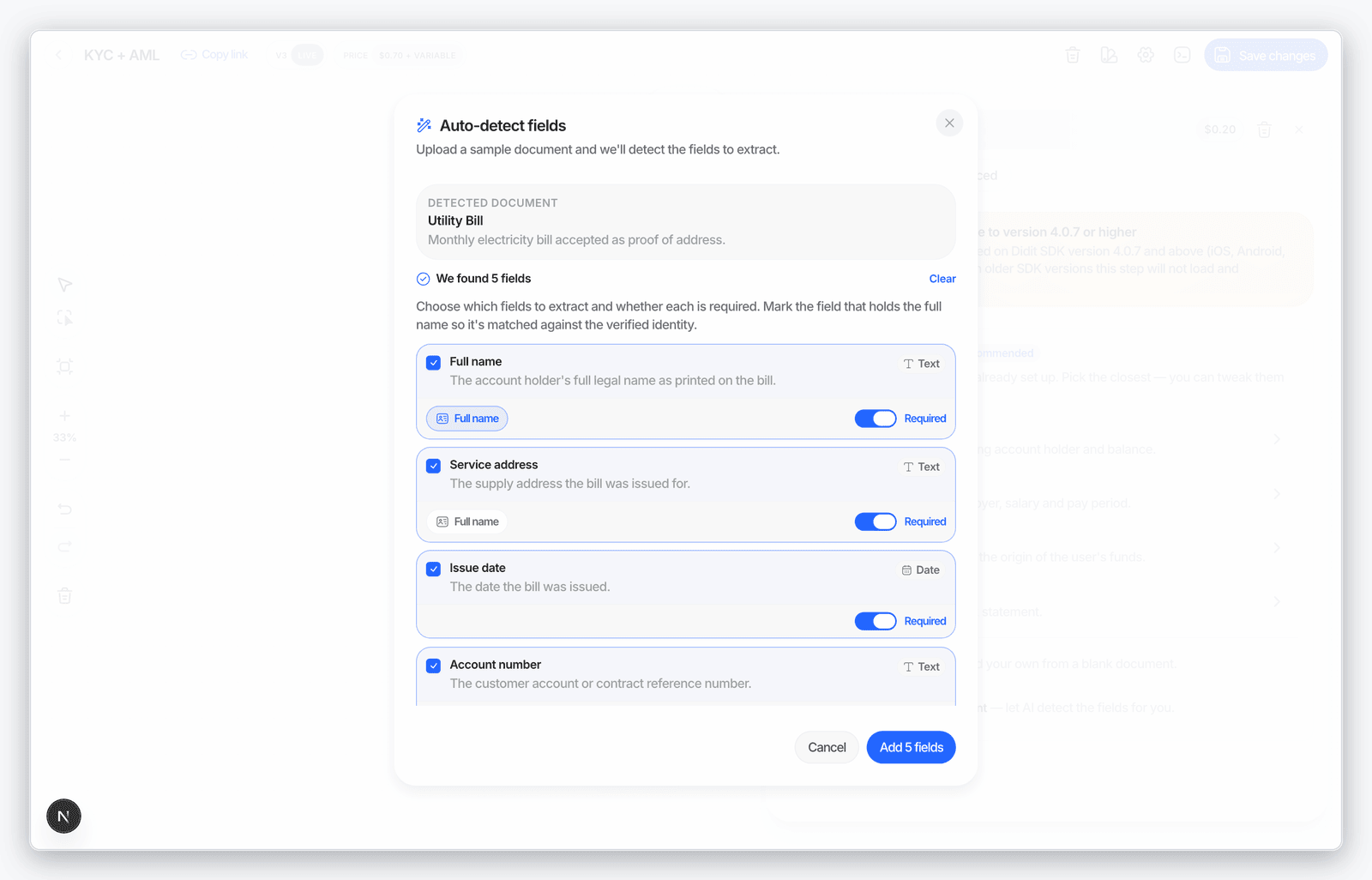
- Auto-suggest fields from a sample — upload a sample document and Didit proposes the extraction fields for you, with a per-organization daily limit
- Built-in upload flow — your users get a new “Documents” step in the verification flow, with clear retry prompts and an attempts-left counter when a file can’t be read
- Results everywhere — extracted documents are returned in the decision and events endpoints and delivered through webhooks
- Workflow builder integration — auto-detect extraction fields from a sample right inside the editor, and map a full-name field so extracted names can be matched against the verified identity
- Console review — session details get a dedicated Document AI section, in the same style as KYB documents, showing every extracted field
- Every language, automatically — document definitions are translated into all supported verification languages the moment you save them
- Native SDK support — available on iOS, Android, React Native, and Flutter on SDK versions 4.0.7 and above
Transaction Detail Redesign
The transaction detail page was redesigned to match the KYC session experience, so reviewing a flagged transaction feels the same as reviewing a verification.- Counterparty flow cards — sender and recipient are shown as horizontal flow cards, so you see who sent what to whom at a glance
- State-aware rule rows — triggered rules collapse into compact rows that surface each rule’s outcome and description without opening a dialog
- Related transactions table — related activity is now a paginated table instead of an endless list
- Threshold-colored score — the transaction score pill takes its color from your organization’s own review and decline thresholds
- Dark mode polish — badges, tags, and section animations were tuned for full dark-mode legibility
Native SDK Updates
A steady stream of 4.0.x releases across iOS, Android, React Native, and Flutter this month.- Document AI support — the new custom-document verification step works natively in every SDK
- KYB upgrades — document requirements guide users to upload the right business document, and ownership percentage is now optional to match industry practice
- PACE NFC on Android — passports and IDs protected with PACE can now be read over NFC on Android
- Social Security Card — new document type supported across all four SDKs
- iPhone 17 liveness fix — liveness video recording issues on the newest iPhones were resolved
- App Store submission fix — resolved the iOS privacy-manifest warning so your submissions pass review cleanly
- Algeria NFC — chip reading now works for Algerian documents
- Active liveness polish — removed the brief screen flash when the active-liveness intro starts

White-Label Upgrades & Brand Import
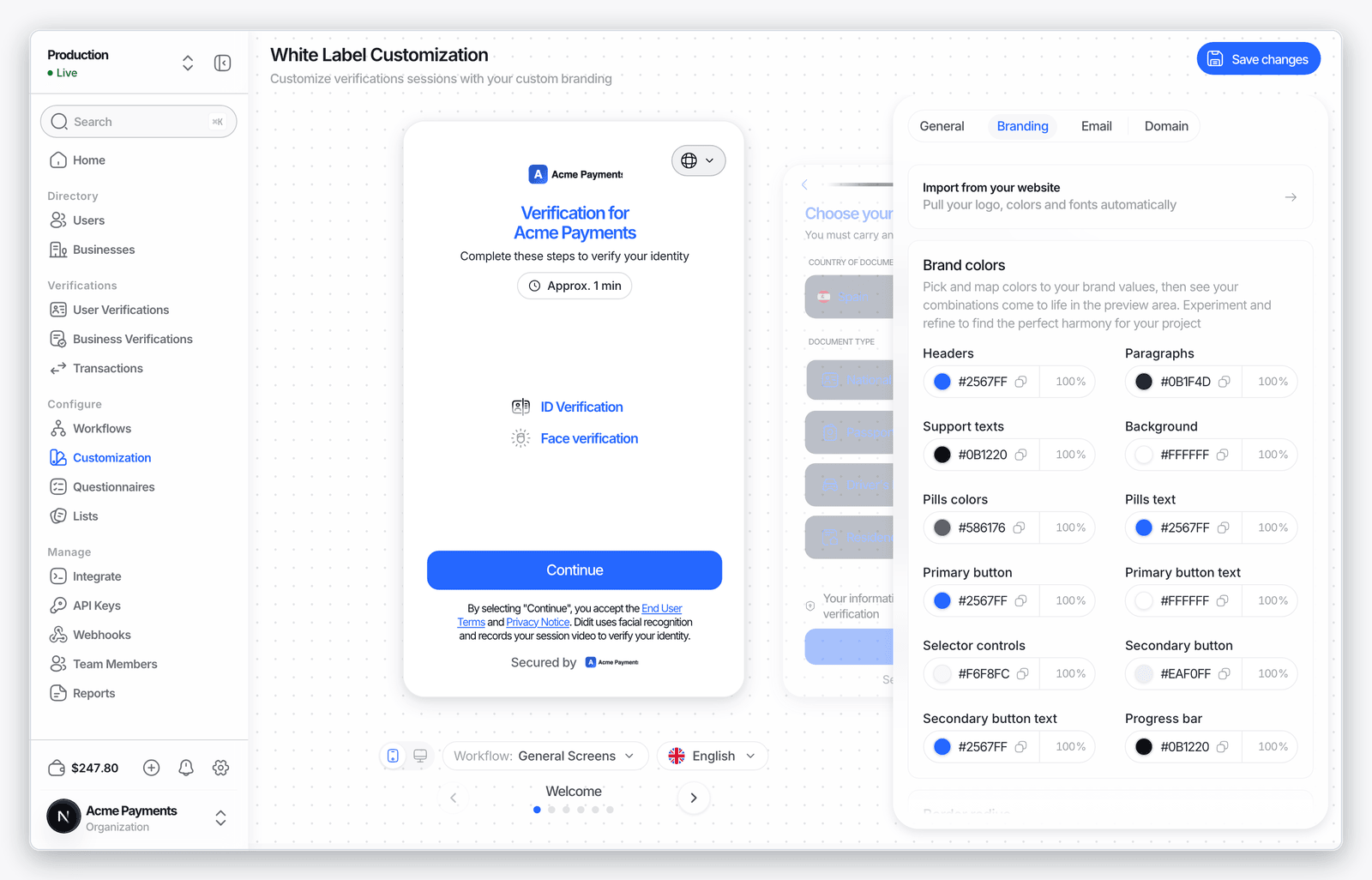
Making the verification flow look like your product now takes seconds instead of an afternoon.- Import your brand from your website — enter your URL and Didit detects your logo, colors, and fonts and maps them onto the verification flow automatically (rate-limited per organization)
- Applied from day one — new organizations can have their branding imported and applied automatically during onboarding
- Logos rendered faithfully — customer logos are never clipped, cropped, or force-rounded, whatever their aspect ratio
- Theme-aware everywhere — every screen, including KYB steps, radio groups, and loaders, follows your theme
- Softer default look — the default white-label corner radius moved to 24 for a more modern feel
Notification Preferences
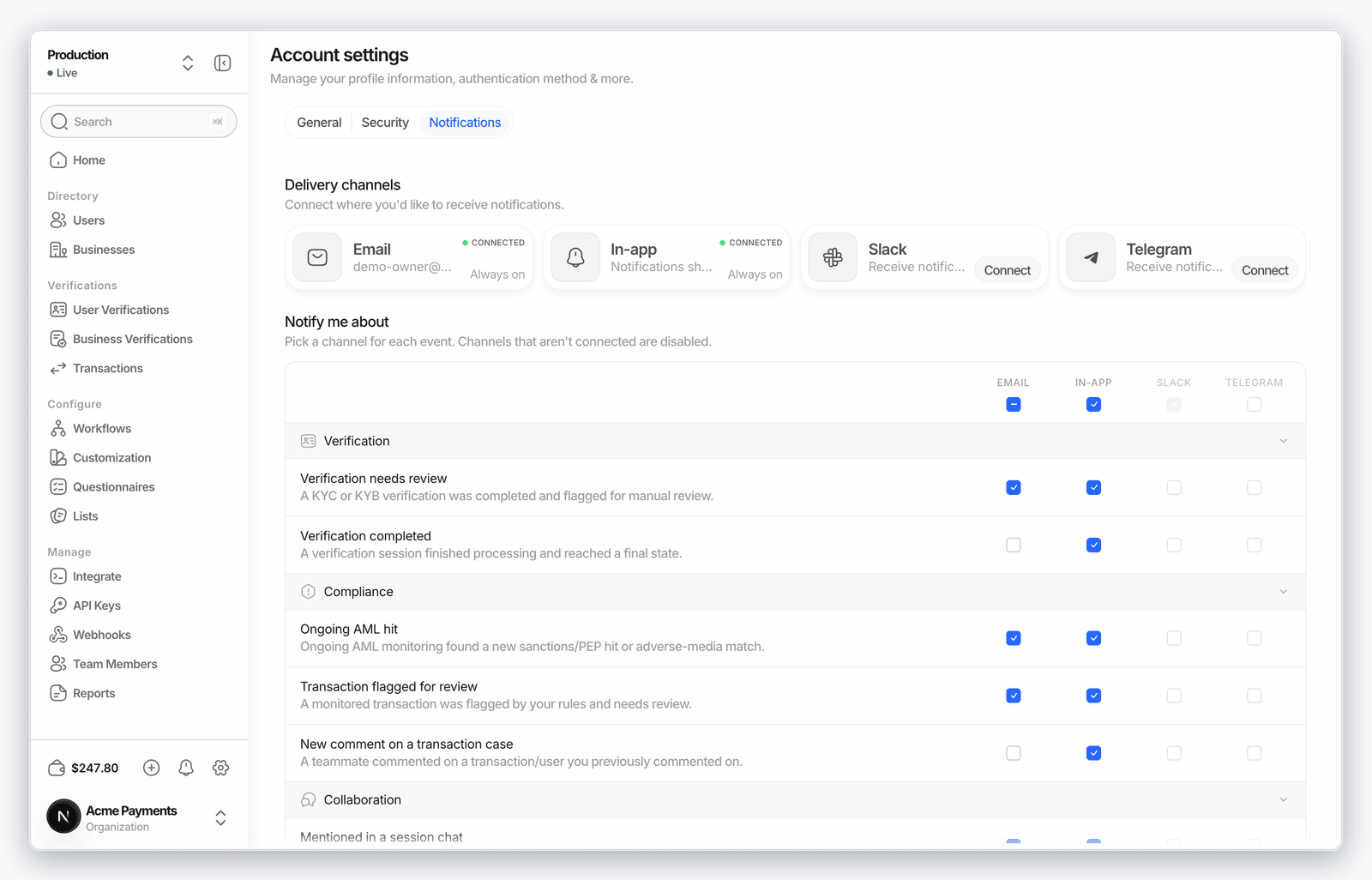
You now control exactly which notifications you receive, per event and per channel.- Preferences matrix — a new Notifications tab in Account Settings lists every event with a toggle per channel, per user
- Conservative defaults — new accounts start with only the notifications that matter, not everything
- Slack disconnect — unlink your Slack notification channel in one click
- Send a test — fire a test notification to confirm a channel works before you rely on it
- Throttled failure alerts — webhook-failure notifications are limited to one per 30 minutes, so an outage doesn’t flood your inbox
- Redesigned emails — notification emails were rebuilt to match the clean design of the rest of Didit’s emails
KYB Registry Improvements
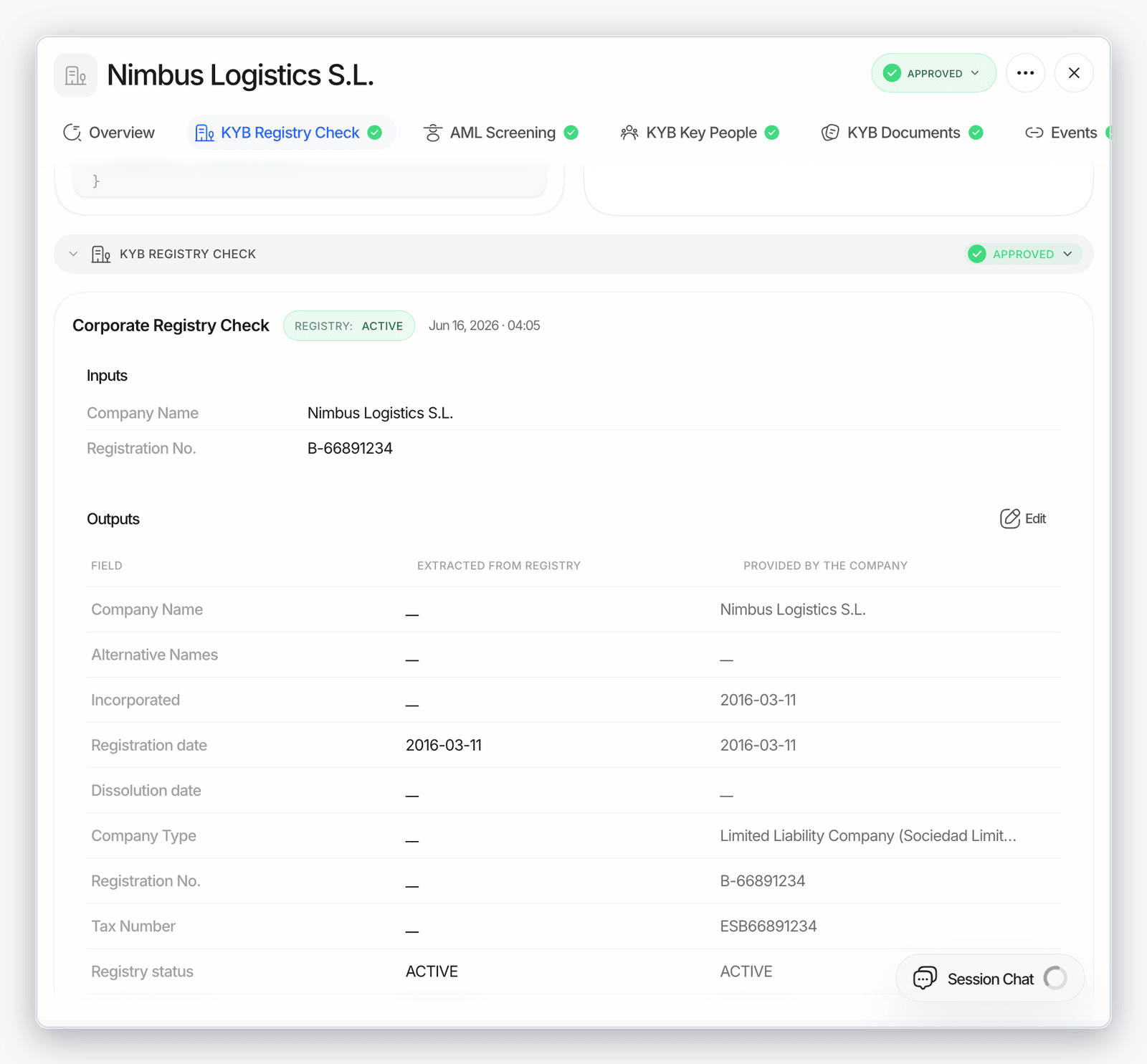
Business verification keeps getting more automatic — less typing for applicants, more data for reviewers.- Company field prefill — registration number, address, share capital, and location are prefilled from the registry, so applicants only confirm
- Previous and parent names — a company’s former names and parent-company names now appear on the business detail page
- Registry section — registry check results render in their own dedicated section on business details
- Optional UBO email — email is no longer required for beneficial owners who don’t need to complete KYC
- Automatic UBO emails — beneficial owners who do need KYC receive their verification email automatically, with one-click resend
- No duplicate parties — associated parties confirmed once can be reused instead of being added twice
Smarter Transaction Rules
The transaction-monitoring rule engine understands more of your data.- New operators — rule conditions now support date comparisons, regex matching, fuzzy matching, and
in(match against a list of values), in the API and the Console rule editor alike - Better crypto screening — wallet screening detects the correct chain for each transaction and surfaces screening failures instead of hiding them
- Richer network graph — the counterparty network graph shows a more complete picture of the accounts around a transaction
- Live updates — transaction lists and detail views update in real time, no refresh needed
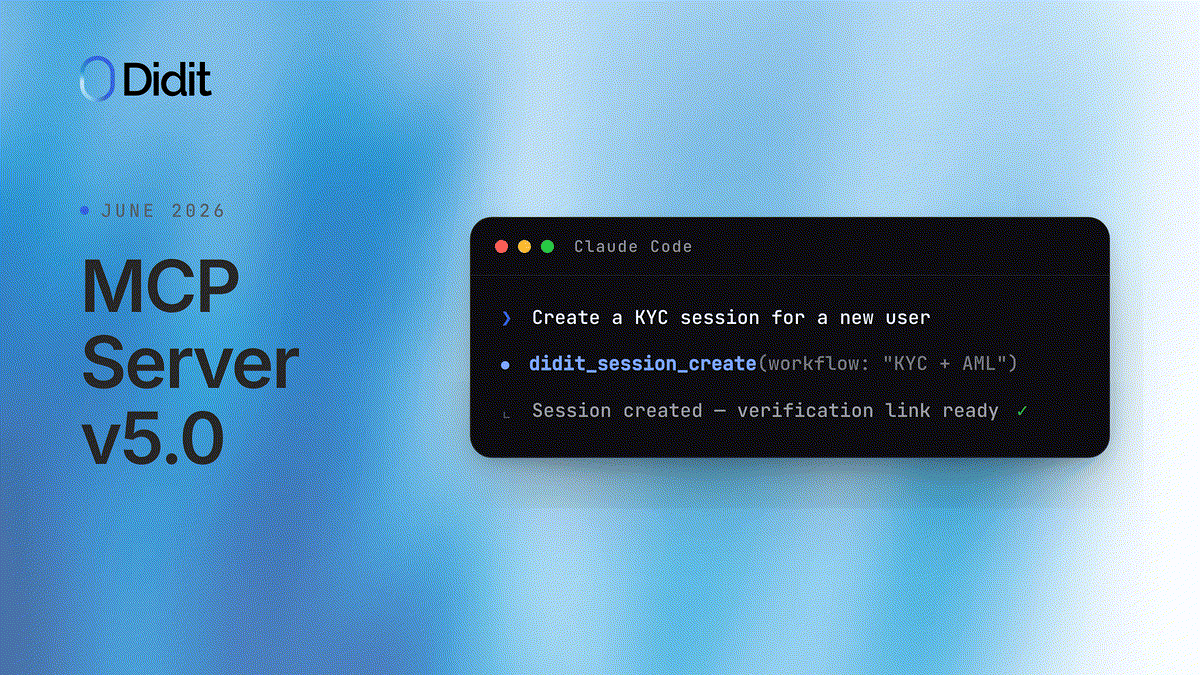
MCP Server v5.0.0
The Didit MCP server — the way AI agents run verifications, screen wallets, and manage your workflows — had its biggest release yet.- Public marketplace release — v5.0.0 ships with a registry manifest and a Cursor plugin, and its tool metadata is aligned with OpenAI’s app review guidelines, so you can install Didit wherever your agents live
- Scoped access tokens — agents exchange credentials for narrowly-scoped tokens using the standard token-exchange flow, so each agent only gets the permissions it needs
- Org-scoped user tokens — the session API now accepts organization-scoped user tokens, so agents can act on behalf of a signed-in user within the right organization
Expanded AI Document Extraction
AI-powered data extraction was enabled for roughly 300 additional document types this month, focused on documents from Arabic-speaking countries and document types that historically had lower extraction accuracy. Expect noticeably better results on these documents with no integration changes on your side.Improvements
- Faster verification flow — the verification web flow loads significantly less code up front, making it noticeably faster on slow connections
- Responsive Console redesign — a sweep across the Business Console brought a responsive layout, restyled inputs, and consistent tables to every page
- Column visibility — Users and Businesses tables gained a column-visibility toolbar, matching the sessions list
- Organization-level lists — list sessions, businesses, transactions, and cases across all applications in your organization through the API, with each row attributed to its application
- Guided onboarding — a new post-signup create-organization wizard plus a self-driving guided tour that performs each step for you
- Demo organization — the demo environment now seeds 1,000+ realistic sessions so you can explore the Console with meaningful data
- Sandbox template gallery — pick a ready-made test persona and the sandbox sets the country and document type for you
- Field blurring everywhere — document field blurring for data minimization is now available for all countries, not just the EU
- Better data imports — CSV imports report specific row-level errors before committing, and imported records carry an “Imported” badge across lists
- Stay signed in — Console sessions now stay alive for about 30 days through silent renewal instead of logging you out
- Console in Italian — the Business Console is now available in Italian
- Rename questionnaires — published questionnaires can now be renamed
- Questionnaire input validation — questionnaire fields in the verification flow validate their format as the user types, with inline error messages
- Password security — changing your password now signs out your other active sessions
Fixes
- Fixed the verification flow showing front-side instructions after navigating back from the back-side photo
- Fixed completed sessions occasionally missing their redirect when the final status update was dropped — the flow now recovers and redirects reliably
- Fixed KYB sub-sessions (beneficial owners and key people) starting on an outdated workflow version instead of the latest published one
- Fixed custom status rules not taking other status rules into account
- Fixed company AML screening applying cross-script name matching meant for people, which produced false-positive matches on business names
- Fixed names screened through database validation not appearing in session search results
- Fixed white-label logo and application name on verification emails sent through the API
- Fixed two-factor accounts with both a passkey and an authenticator app being forced into the passkey popup — you now choose the method
- Fixed adding faces to the blocklist failing in certain cases
- Fixed Chilean ePassport number validation and gender extraction on Mexican documents
- Fixed permission edge cases in organization member invitations